
You are checking work-from-home openings over coffee when another layoff headline lands. Now the search has a second job: finding something that fits your life while wondering how long it might last. Even a household-name employer can make that question feel very real.
Amazon’s latest cuts are a reminder to keep your options moving. My take: a remote job can be a great fit, but a familiar logo is not a job-security plan. You deserve a plan that gives you something useful to do after the headline.
News and source information checked October 13, 2026. This is researched reporting with my practical recommendations, not inside information about Amazon or a prediction about your employer.
What actually happened at Amazon
On October 7, 2026, Amazon confirmed a small number of job cuts, mainly in its Stores business, which oversees its main e-commerce website. Reuters reported the changes that day and updated its article October 8. A person familiar with the matter told Reuters fewer than 1,000 white-collar workers were affected. That is an attributed estimate, not an exact total announced by Amazon.
The roughly 30,000 figure circulating in coverage refers to the earlier rounds: approximately 14,000 corporate roles in Amazon’s October 2025 announcement and approximately 16,000 in its January 28, 2026 update. It is not the size of the new October 2026 reduction.
Amazon described organizational changes and said in January that it would keep hiring in strategic areas. A company can hire in one area while cutting another. These sources do not establish that the latest cuts targeted remote workers, that every Amazon team was affected, or that all Amazon WFH openings disappeared.
WFH tells you where you work, not how secure the job is
Working from home can remove a commute and make a particular schedule workable. It does not remove changes in budgets, contracts, priorities, or staffing. I would judge the actual position rather than treating “remote,” “big company,” or “permanent” as a promise that nothing can change.
When comparing roles, ask whether the opening is a replacement or a new position, how the team is funded, and whether the work is seasonal or tied to a client contract. Ask how performance is measured and what a good first 90 days looks like. The recruiter may not know everything; that is still a better conversation than guessing from the logo.

Here’s how I’d build a WFH backup plan
1. Keep a small list beyond one employer
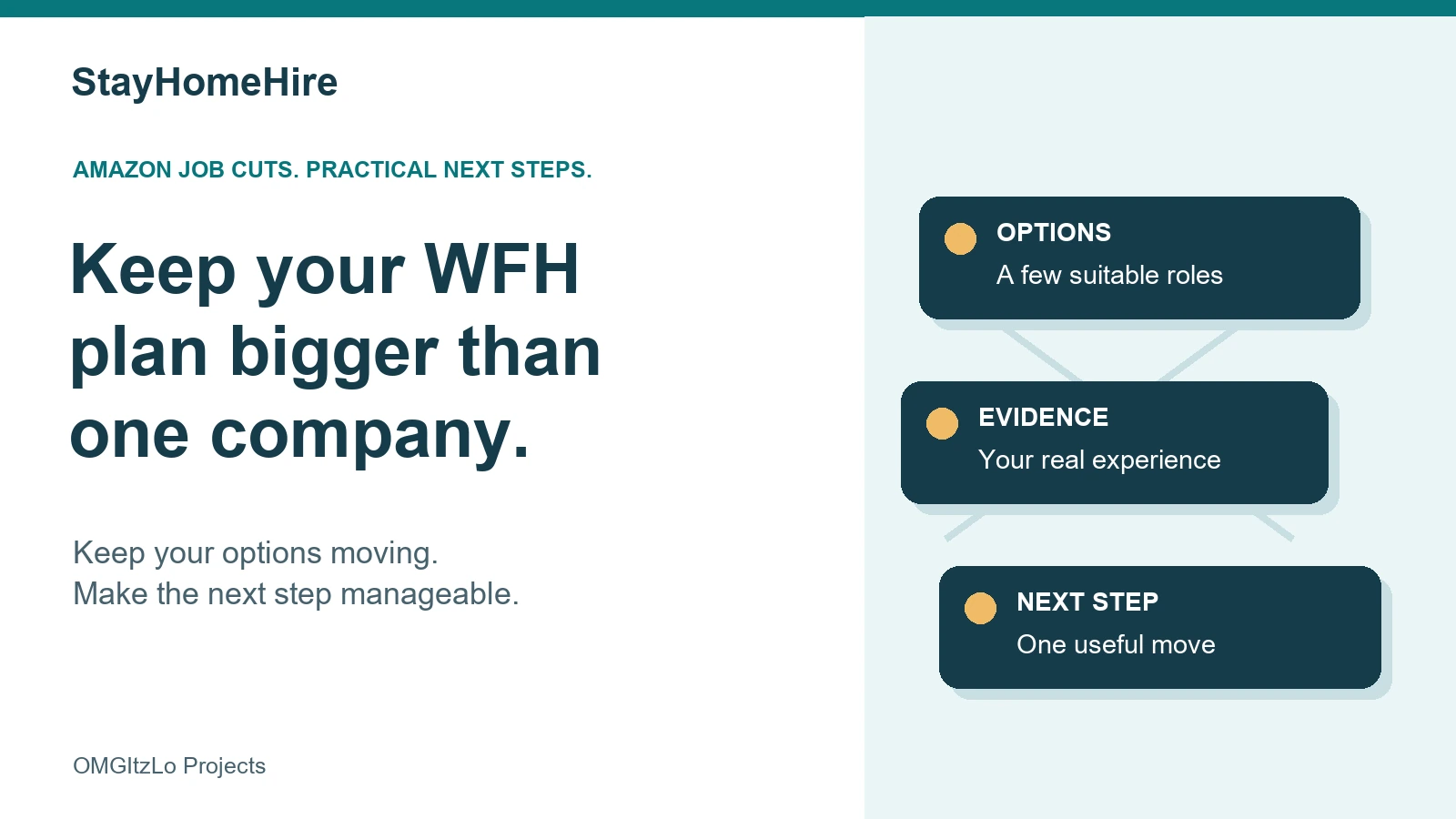
Save a few suitable openings across different employers and, where your experience fits, different industries. Start with StayHomeHire’s free job listings. Check each employer’s current application page, eligible states or countries, hours, and experience requirements. A remote label does not automatically mean work from anywhere, no travel, or no office visits.
2. Turn responsibilities into evidence
Write down work you can explain clearly: the problems you handle, systems you use, decisions you make, and results you can support. Keep the notes on a personal device without customer data, private screenshots, or confidential documents. A useful resume starts with facts, not a last-minute scramble to remember what you did.
Illustrative example: “Worked in customer service” could become “Resolved billing questions, documented account updates, and escalated disputed charges with clear case notes.” Use that wording only if it reflects your work. Add numbers when you can verify them. Our Resume Center can help you organize the evidence.
3. Learn the tool your target jobs actually need
Read several current descriptions and notice repeated requirements. If spreadsheet reporting keeps showing up, build a small practice sheet with invented, clearly labeled sample data. If written support matters, practice explaining a process in a short email. Pick one gap you can work on. Buying five courses because the news scared you is an expensive way to avoid choosing.
4. Keep human connections warm
Reach out to a former coworker or someone in a relevant field. Ask a specific question about their work or hiring process; do not start by handing them your entire job search. Prepare a few examples of how you solve problems using Interview Insider. Being ready for a conversation is useful even when there is no opening today.
5. Give the plan a repeatable slot
I would rather see one focused half-hour than a whole night of anxious scrolling. Save suitable roles, improve one application, and record what you sent and when to follow up. If you are already searching full-time, adapt the routine to your availability. The point is a manageable system, not another standard to beat yourself up over.

If you have already been affected
Give yourself room to absorb it. A role being eliminated does not define your ability. Get your specific separation and benefits information in writing, ask which support is available to you, and keep copies you are entitled to retain. Do not assume the support described in Amazon’s January announcement applies to October’s changes or to another employer. Then choose one next step you can handle today.
Questions I’d ask before applying
- Is this really the work setting I need? Confirm home-based work, training location, travel, equipment, and any office requirement.
- What kind of employment is it? Separate employee, contractor, temporary, and seasonal terms. Full-time hours alone do not answer that.
- Can I verify the opening? Use the employer’s official application page. An old repost or a stranger’s message is not proof that a role is still available.
- What would I be joining? Ask about team priorities, workload, expected hours, and why the position is open.
Quick questions
Should I stop applying to Amazon?
That is a personal decision. I would evaluate a specific current opening, ask about the team, and keep other applications moving. These cuts alone do not tell us the future of every role.
Are remote jobs less secure than office jobs?
These reports do not prove that. Work location is one feature of a role. Employer circumstances, employment terms, and team priorities deserve their own questions.
Can a certificate or resume tool protect my job?
No tool or credential can promise that. Relevant skills and a clear resume may help you pursue options; they cannot control an employer’s staffing decision.
Make the next move smaller than the worry
You do not need to solve the whole job market tonight. Pick one suitable role, one resume improvement, or one useful conversation. Open the StayHomeHire resource hub for practical guides, or see the current job openings. Keep the WFH goal. Give it more than one path.